





How to Use AI Inside the Software You Already Run

This is post 2 of 10 in our Sensible AI series for HVAC and field service businesses. Previous: Why every HVAC business operates differently (and why your software should too). Next: Coming next week.
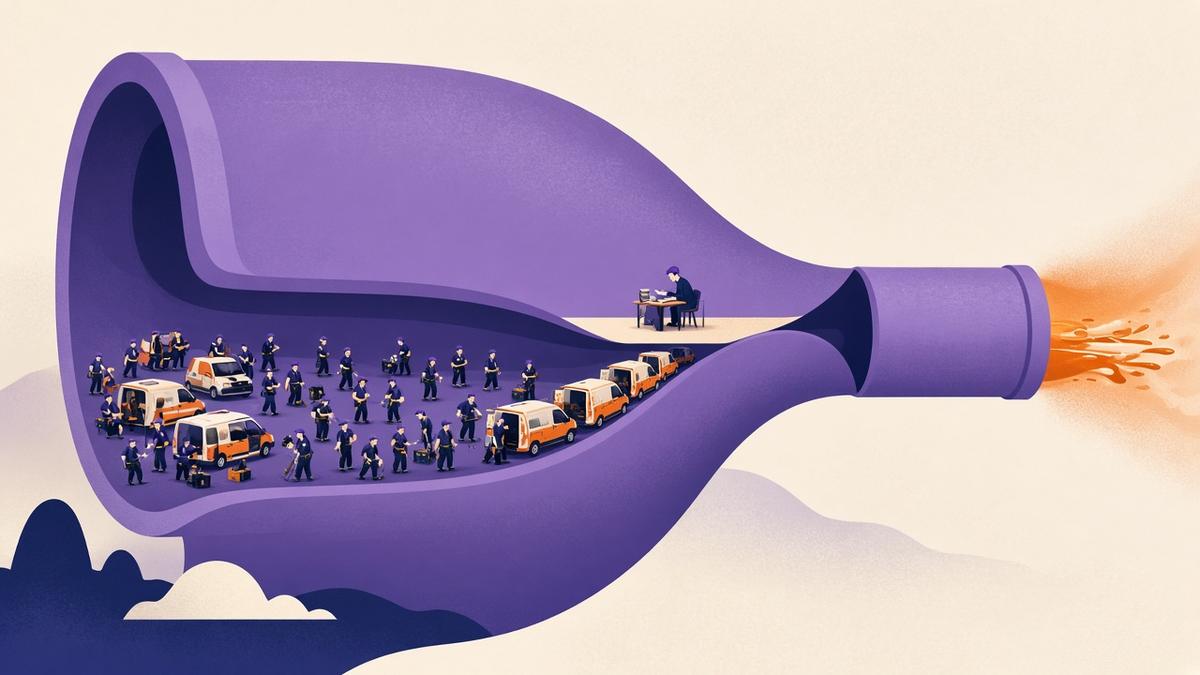
When people talk about “getting on board with AI”, the conversation often jumps to buying something new. A new platform. A new chatbot. A new tool that sits beside the software you already use to schedule jobs, capture time and raise invoices.
For most HVAC businesses, that is the wrong place to start. You already have a system of record, even if it is a mix of job management software, spreadsheets and a well-worn inbox. The useful question is not “which AI product should we buy?” It is “where, in the software we already run, is a person doing the same repetitive step over and over?”
If you can answer that, you can usually get value from AI without ripping anything out.
Start with a map of what you already use
Before you add a tool, write down the systems that already touch a job. For a typical mid-sized HVAC business that list might include:
- The job management system used to create jobs, schedule technicians and store service history
- Timesheets and leave, whether they live in that system or a separate file
- Quoting and invoicing, plus whatever you use to send those documents
- Accounting software, and the way bills, purchase orders and payments move between the two
- Asset or site records, if you have them
- Email, shared drives and the spreadsheets that fill the gaps
You do not need a formal audit. A whiteboard and half an hour with the ops lead, the accounts person and one leading hand will do. Mark each step that is typed twice, copied from a PDF, or re-entered because two systems do not talk to each other. Those marks are your shortlist. They are also the same places double data entry quietly steals office hours.
Use AI where the software already holds the work
The most reliable AI uses sit inside a workflow you already own, not beside it.
Take supplier bills. In many offices, someone opens a PDF from a supplier, types the lines into a bill, checks them against a purchase order, and then sends the bill to accounting. That typing is slow, and it is easy to miss a line. FieldInsight’s AI Bill Scanning is a good example of AI used in place: it reads the document and creates the line items and details inside the same bill workflow you already use, so the bill can still be checked, matched and synced to accounting. It is usage-based, and someone still needs to review the result. It does not invent a new process. It takes a repetitive step off the existing one.
The same test applies to other office work. If your job management system already holds the job, the asset and the service report, the useful AI is the kind that helps you draft or file something from that record, not the kind that asks you to paste the same information into a separate chat window.
This is also why keeping field and office systems joined up matters more than it first appears. AI can only use the information that is actually in the system. If the history still lives in someone’s inbox, the tool has nothing solid to work with.

Be careful what you bolt on the side
Standalone AI tools have their place. A writing assistant can help you tidy a procedure. A meeting note tool can help you capture an internal review. The risk is when those tools become a second place to store job information.
If a supervisor pastes a service report into a chatbot to “turn it into a quote”, then emails that draft to the office to be retyped, you have added a step, not removed one. You have also moved client and asset information into a tool that may not be covered by the same access rules as your job system. If you do use AI features inside your software, read the terms that apply to them, including how usage is charged and how the information is handled.
A simple rule helps: if the output has to end up in your job, quote, bill or invoice, the AI should write it there, or produce something a person can drop there in one move. If it cannot, it is probably a side tool, not a workflow.
A practical way to try this in the next fortnight
Pick one repetitive office step that already has a home in your software. Bills are a common first choice because the documents arrive in a standard form and the result is easy to check. Quotes built from a clear defect or service report can be another, if your process already captures the found work against the asset.
Agree who will try it, on how many real examples, and what “better” means. That might be fewer minutes per bill, fewer missed lines, or fewer times the same invoice is handled. Then compare the old way and the new way on the same kind of work. If it is not clearly better, stop. If it is, write down the new habit so it does not depend on the one person who tried it.
This is also a good moment to look at the accounting side. If bills already flow from your job system into your accounting software, tightening the front of that process helps everything downstream. If they do not, fix that join before you add more tools in the middle.

Questions we get asked
Can I use AI in my current job management software, or do I need a new system?
Start with the system you already use. If it can hold the job, the document and the result, and it already offers a bounded AI step such as bill scanning, try that first. A new system is a much larger change, and it should not be justified by AI alone if the current software can do the work.
What is the safest first AI use in an HVAC office?
A repetitive step with a clear input and a person still checking the output. Entering supplier bills from a PDF or photo is a common example, because you can compare the scan with the original document before anything is paid or allocated to a job.
Should technicians use a separate AI app on site?
Only if the result lands back in the job record without extra retyping, and only if you are comfortable with how that app handles site and client information. In most teams it is better to capture the job, the photos and the defects in the field software you already use, then let the office work from that record.
Book a discovery call
If you want to look at where AI could sit inside the software you already run, book a discovery call. We’ll talk through how your business works today, not a generic demo.
What You Should Do Now
- Book a Demo. You’ll be in touch with an automation expert who has worked in this space for over 5 years, and knows the optimal workflow to address your needs.
- If you’d like access to free articles about managing HVAC workflows, go to our blog.
- If you know someone who’d enjoy reading this page, share it with them via email, Linkedin, Twitter, or Facebook.